
VizAi Tech

AI Assistant for Technicians and Mechanics

AI voice-to-text transcription, real-time error detection, and on job guidance.

Join Mailing List
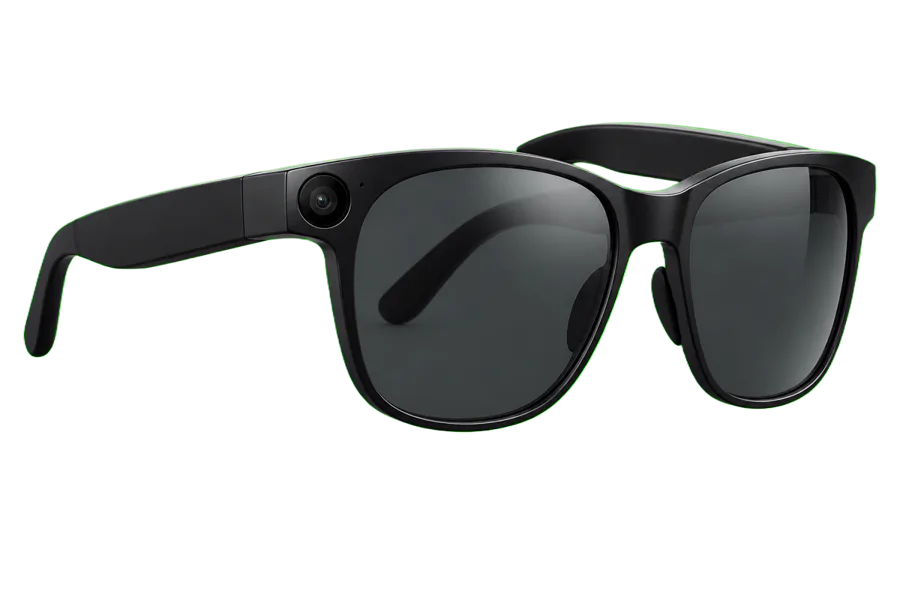
VizAi smart glasses
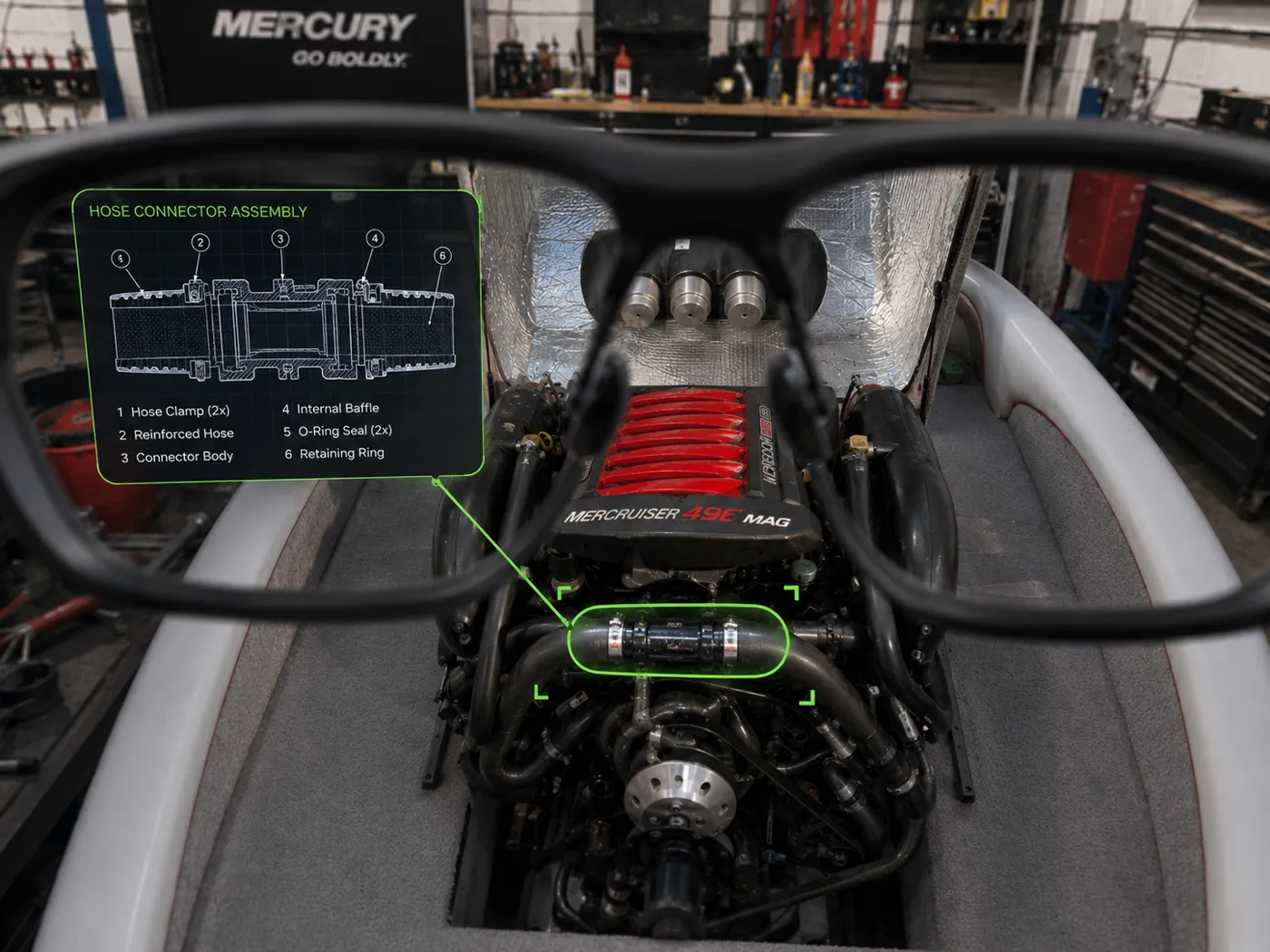
AI Narration

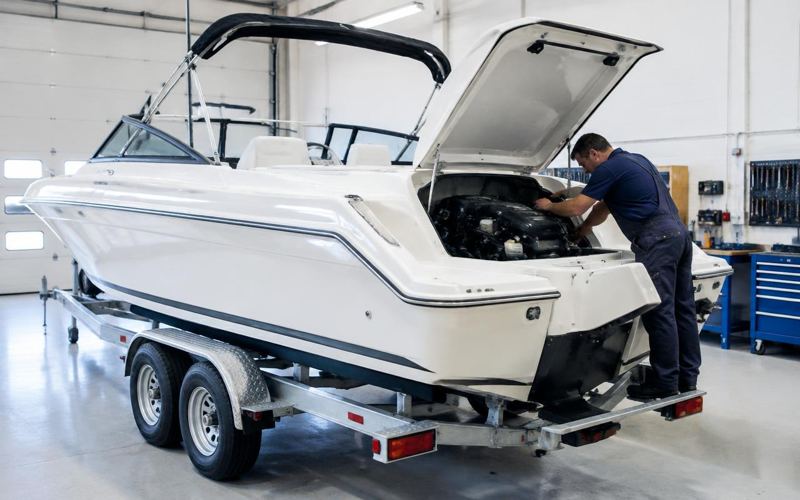
You're working on an LT4 Engine. To de-winterize or 'sumarize', insert one of your blue plugs on the starboard side of the manifold located on a narrow horizontal pipe below the headers. You'll find three more locations...

LIVE POVJOB #4821 · Marine

Live POV — marine de-winterization · See the full walkthrough →

01

Capture

Techs stream or record hands-free from the job site.

02

Distill

AI identifies key moments and builds the job record.

03

Review

Managers approve, coach, and share in minutes, not hours.

From Live Stream to Actionable Insights

Live Capture.
AI Distills.
Management Acts.

Every inspection is automatically analyzed as it's recorded.

Instead of reviewing a 30-minute recording, managers receive AI-generated highlights that surface only the important moments — ready for approval, coaching, documentation, and customer records.

Capture

Record every repair completely hands-free.

Distill

AI identifies key moments automatically.

Review

Managers verify only what matters.

Archive

Every highlight becomes searchable forever.

One 14-minute repair automatically became 4 management-ready highlights.

Instead of reviewing the entire recording, managers receive AI-selected moments ready for approval, coaching, and documentation.

Engine ID Verified
00:01:12

Engine ID Verified

Confirmed LT4 engine serial and model.

Starboard Manifold
00:03:45

Starboard Manifold

Accessing starboard side below headers.

Blue Plug Insertion
00:07:24

Blue Plug Insertion

Inserting blue plug to complete de-winterization.

System Check
00:10:02

System Check

Final check of connections and lines.

Highlights
Management
SM
Service Media Manager
by VizAI
Job #4821 · Marine

De-Winterize Summary

Ready for Review
Technician
Alex Johnson
Engine
LT4
Duration
14:38
Captured
Today, 9:14 AM
00:01:12
Engine ID Verified
Confirmed LT4 engine serial and model.
Approved
00:03:45
Starboard Manifold Access
Accessing starboard side below headers.
Approved
00:07:24
Blue Plug Insertion
Inserting blue plug to complete de-winterization.
Approved
00:10:02
System Check
Final check of connections and lines.
Pending
AI automatically identified 12 key moments from this 14:38 live stream.

Every Job Has A Permanent Record.

Demo Dashboard

Interactive Product Tour
Click through the manager dashboard.
serviceos.app / manager

Manager Dashboard

A live view of repair activity, media awaiting review, and work requiring management attention.

Open Repair Orders
12
Awaiting Review
7
Technicians Active
5
Media Captured Today
143
Recent Activity
StatusRepair OrderAssetTechnicianLast Activity
Needs ReviewRO 44524Mercury 300 V8Alex Johnson4 min ago
In ProgressRO 44571Malibu 25 LSVChris Miller11 min ago
ApprovedRO 44498Mercury 250Jamie Lee28 min ago
Two Experiences

One System. Two Completely Different Jobs.

Technicians and service managers shouldn't have to use software designed as though they do the same job.

ServiceOS gives each side of the service department an experience built around how they actually work.

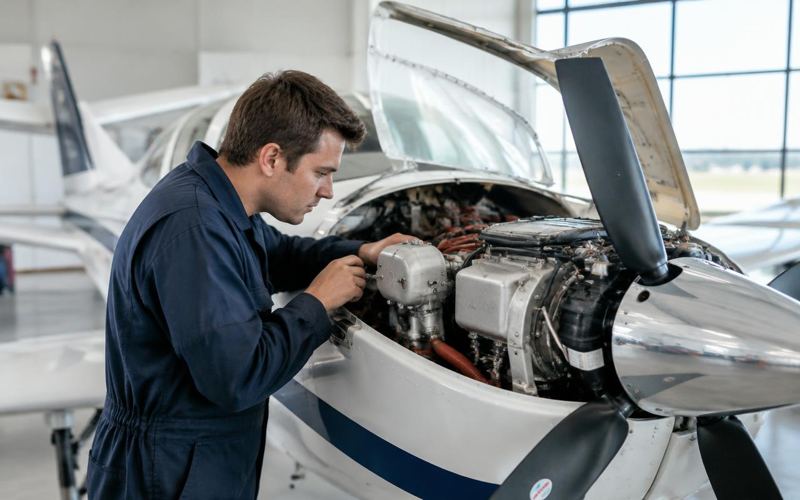
Technician capturing repair photos on a mobile device in the shop
For Technicians

Spend Less Time Documenting the Work. More Time Doing It.

ServiceOS keeps the technician focused on the repair — with work organized around the job and documentation designed to happen as naturally as possible while the work is being performed.

  • Capture photo and video evidence of job completion
  • Add RO notes verbally
  • Access prior repair media where available
  • Use supported hands-free capture
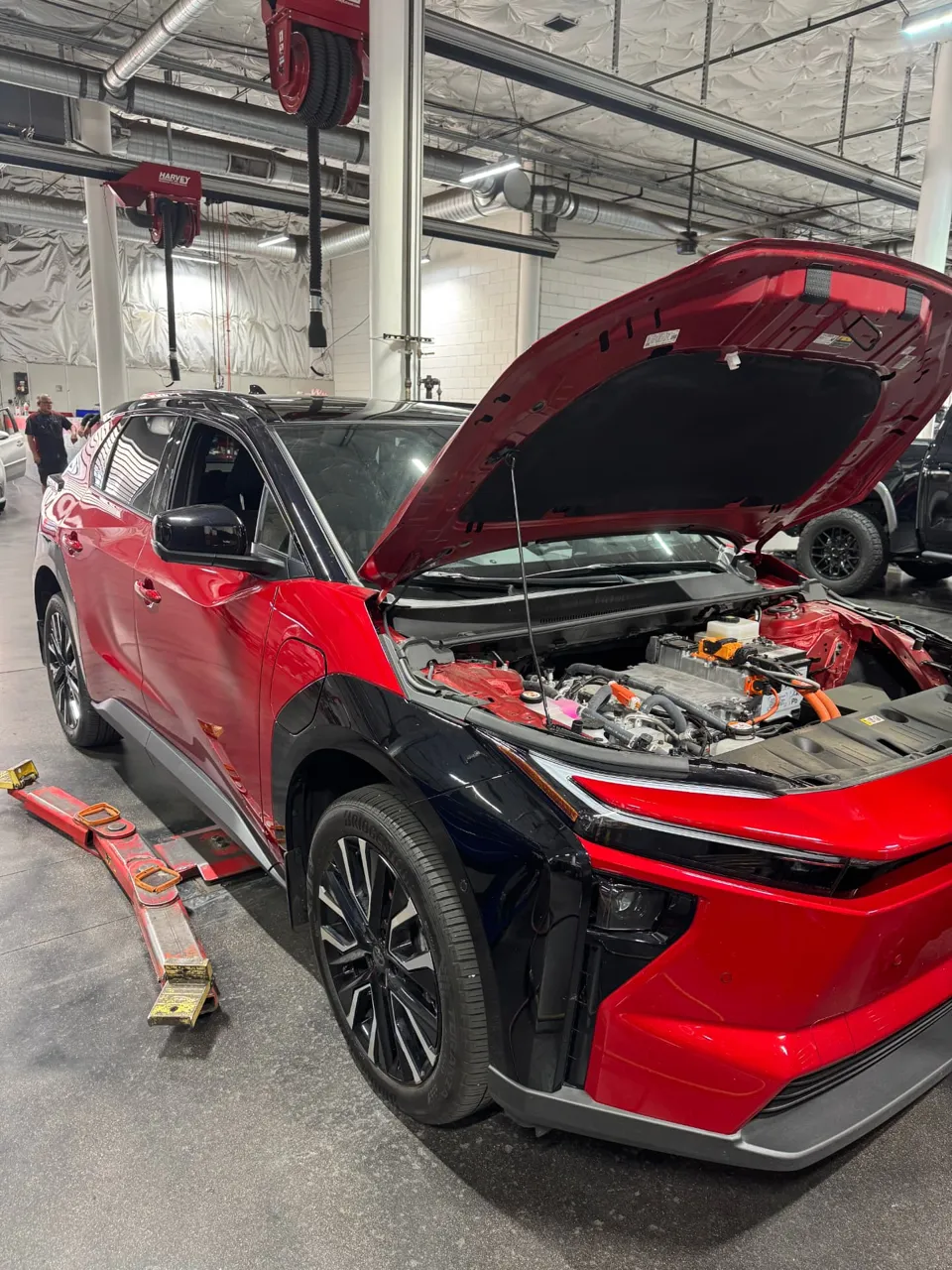
Service manager reviewing repair orders and job media on a tablet dashboard
For Service Managers

Know What's Happening Without Walking Across the Shop.

ServiceOS gives managers a clearer view of technician work, supporting documentation, and repair progress from one place.

  • Review repair-order work
  • See supporting photos and video
  • Review technician documentation
  • Organize work by repair order
  • Request additional documentation where supported
  • Export service media and records where supported

Be the first to use it.

Join the waitlist for early access, founding-customer pricing, and a pilot tailored to your service team.